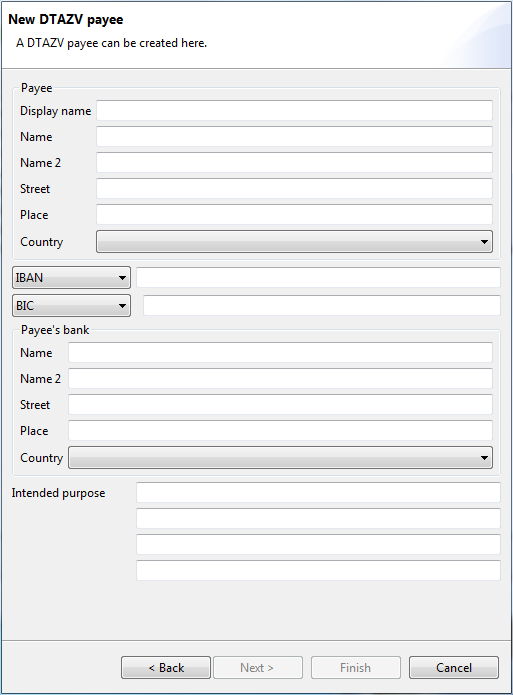
Figure: Dialog box for entering a DTAZV recipient
Enter the display name of the recipient here.
Further fields are entered in the same way as for the foreign transfer. Please refer to the sections on Record payment - Foreign transfer and Record payment - Foreign transfer - Additional recipient data.
Figure: Dialog box for entering a DTAZV recipient
After clicking on Finish, the new recipient is saved and displayed in the overview.