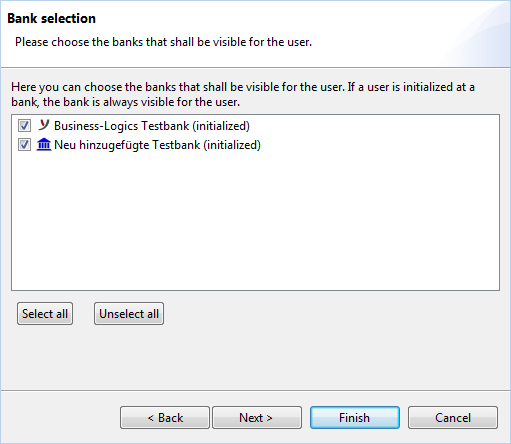
Bank selection

Here you can see the banks for which you or another administrator has created a bank connection and initialized himself at the bank. You can select the banks that should be visible to the selected user. The assignment can be cancelled as long as the user is not initialized at the bank. For a "local" user, the assignment can always be freely selected. If the note (initialized) is displayed after the name of the bank, you cannot remove the checkmark. The setting only takes effect after the selected user has restarted the program.

Note: A user on the part of the bank that operates the EBICS server is called a "subscriber".

New users are automatically assigned to all existing bank accesses and existing users are also assigned to a new bank connection. You therefore only need to open this window to remove an unwanted assignment. To cancel or assign all banks, click on one of the buttons below Cancel selection or Select all. At least one bank must remain assigned.

With a click on Next the window Select accounts is opened.