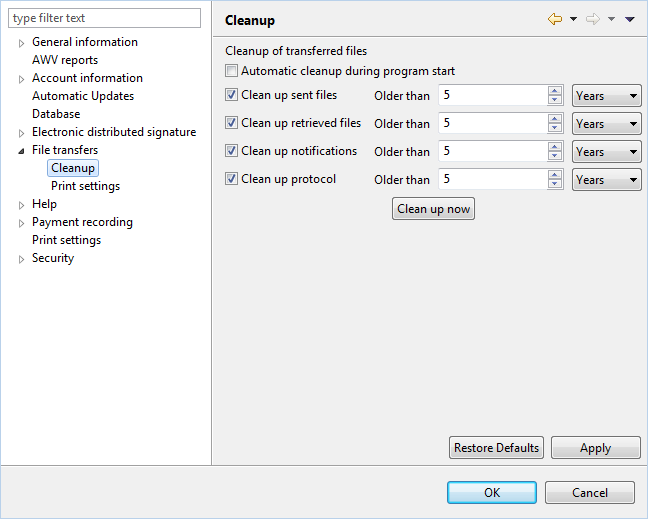
Figure: System settings - File transfers - Cleanup
There are no preferences for cleaning up file transfers.
The cleanup process is designed to delete files either automatically or manually. Because of its significant impact, this page can only be edited by users with administrator rights.
Determines whether the following specified deletions are performed automatically when the application starts.
Lets you determine after what period the sent files are deleted. The cleanup also deletes the underlying original file. You should therefore initially leave the setting at 5 years.
Performs the same action as described above for retrieved files.
Performs the same action as described above for messages.
Performs the same action as described above for the customer protocol.
Performs the cleanup based on the specified time window settings.
Figure: System settings - File transfers - Cleanup