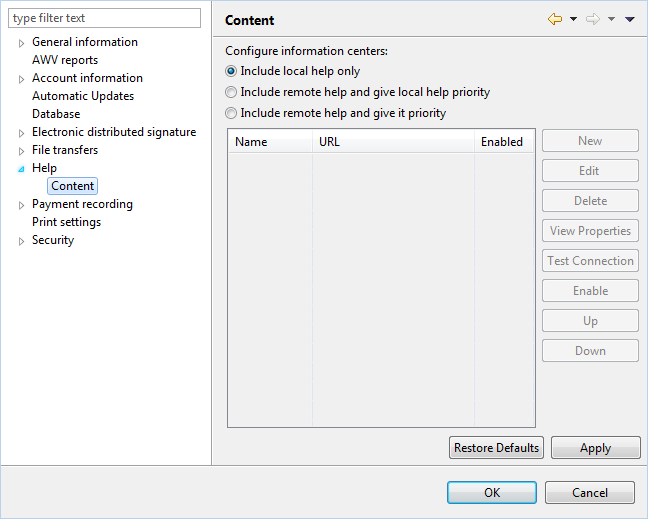
Figure: Preferences - Help content
The manual is stored locally on your computer during the installation of BL Banking and is updated there when the program is updated. In addition, the manual is available online on the website https://www.blbanking.de/help. Thus, you can read it in a browser at any time, independently of BL Banking.
The publication on the website is based on the release cycle of the program and therefore corresponds to the current version, which may be newer than your local version.
By default, the local help is displayed. You can set it to display the content of the specified website as follows:
https://www.blbanking.de/help/, and confirm by clicking OK.
Content from other websites is not accepted for display in the integrated help window.
Figure: Preferences - Help content
There are no system settings for the help content.