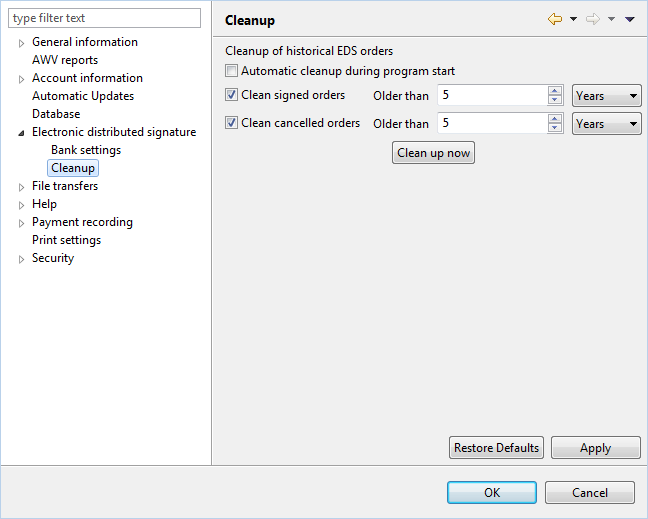
Figure: System settings - Cleanup for EDS
There are no preferences for cleaning up the EDS.
The cleanup process is designed to delete old orders from the VEU either automatically or manually. Because of the significant impact, this page can only be edited by users with administrator rights.
This checkbox determines whether the cleanup configured below should be performed automatically at the start of the program.
Here you can specify the time after which signed orders shall be deleted. Along with the cleanup, the underlying original files are deleted, too.
This performs the same action as described above for cancelled orders.
This performs the cleanup configured above.
Figure: System settings - Cleanup for EDS