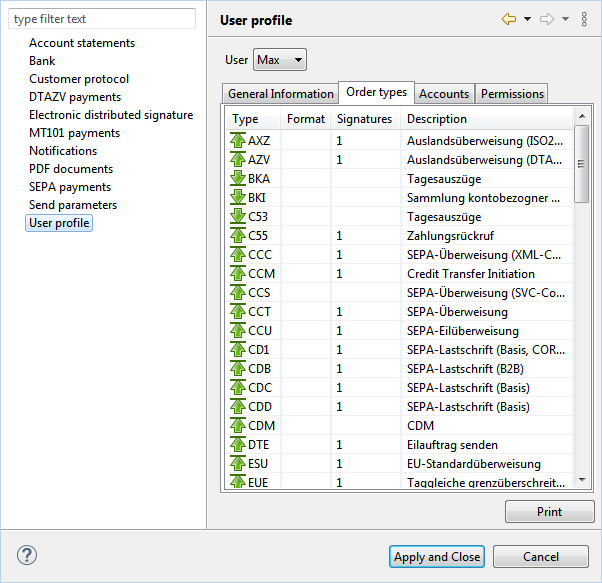
Figure: Display of order types in the user profile
This window displays the order types, for which the customer has authorization. Deviations from the customer, that possibly have been carried out for the user in the server of the bank, have priority. The settings that are actually effective for the user are displayed on the Permissions tab.
The names of the order types are in the Type column and are supplemented by an arrow indicating the direction of transmission. Banks usually do not fill in the format information. In the Signatures column, there is usually a 1 for send order types, that means, a complete signature is required. This can consist of a single signature or two distributed signatures. For fetch order types, signatures are not required. Finally, there is a column with a description of the order type.
Figure: Display of order types in the user profile